
Scripting for the Supernatural Market
Short drama scripts for werewolf and vampire genres must be bite-sized and visually oriented. Avoid long exposition; start mid-action with a high-stakes encounter. Use iaiav's AI script writing tool to generate these scenes instantly based on keywords like 'CEO vampire,' 'mate bond,' or 'moon curse'. The platform calculates the 'quote before shooting' based on complexity, allowing you to verify costs before generating assets. This ensures your budget aligns with the chaos of a supernatural scene.
- Focus on the 'reveal' moment in the intro sequence.
- Leverage the platform's script generator to iterate on tropes fast.
- Check the quote before shooting to manage production costs.
Maintaining Visual Consistency with 'Same Face'
The biggest pain point in AI video is continuity; a vampire shouldn't look like a different person in episode 2. iaiav solves this with 'same face' technology. When you first prompt your werewolf alpha or vampire heiress, save the generated figure. Feed that saved base image into every subsequent future episode prompt. The system maps the facial features, jawline, and eyes across the entire season, ensuring your viewers focus on the drama, not the uncanny distortion.
- Save the main character image as a base model immediately.
- Use the same seed/image for all episode prompts.
- Ensure lighting descriptions in scripts complement the character image.
Series written from one sentence
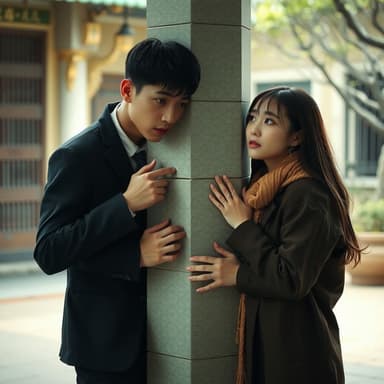
 Brewed for the BillionaireA struggling barista spills coffee on a cold billionaire, an
 Hidden HeirA scholarship transfer student at an elite academy discovers
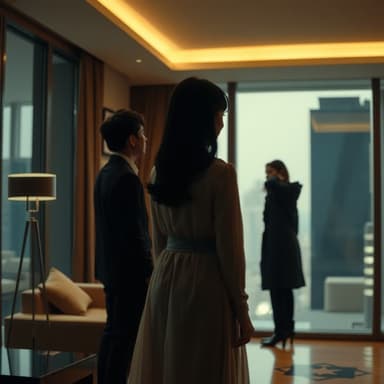 The Silent ShareholderFramed for fraud and divorced on her anniversary, she return
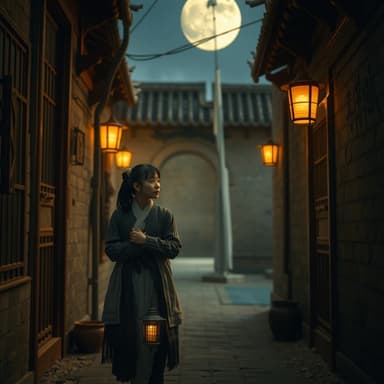 The Moon's White HeirA waitress rejected by the ruthless Alpha on a full moon dis
Applying Gothic Templates for Atmosphere
Werewolf and vampire visuals rely heavily on environment. Rather than rendering from scratch for every background, utilize the 'Remake Templates' feature in iaiav. Select a 'Moonlit Mystic' or 'High Gothic' template. Click the template button, input your script, and drop your character image or video clip in. The system adapts the lighting, lens color grading, and background style automatically. This remakes your footage into a coherent, high-budget narrative look without the heavy render time.
- Choose atmospheric templates (full moon, ancient castle).
- Drag and drop your character clip into the template structure.
- Keep the script environment descriptions brief to save render tokens.
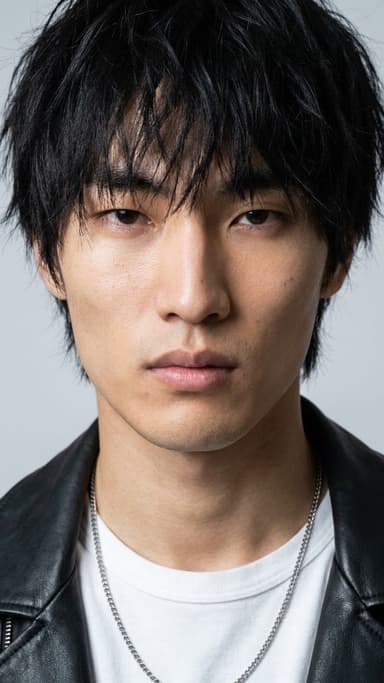
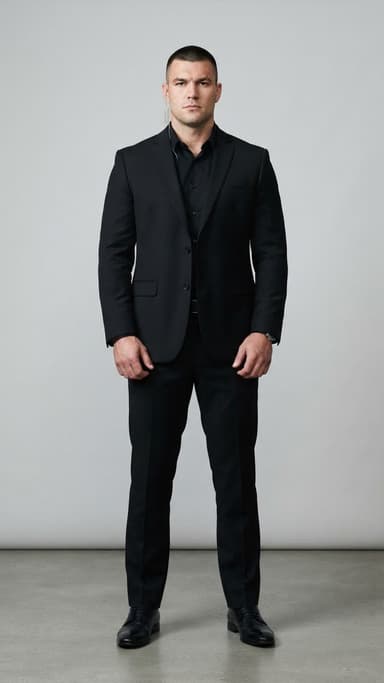
Free AI actors in the library



Voice and SFX for Creatures
Dialogue elevates tension. Use iaiav's built-in dialect voice engine to differentiate species. Assign deep, guttural tones for werewolf dialogue, and sultry, sophisticated accents for vampires. You can also layer ambient sound effects described in the script, such as howls in the distance or the creak of a coffin. This adds immersion, making the fighting or romance scenes feel visceral. The voice engine auto-syncs to lip movements, keeping the visuals sharp.
- Assign species-specific voice tones (growl vs. elegant).
- Input SFX keywords like 'howling wind' or 'glass breaking'.
- Ensure subtitles are drafted to match the generated lip-sync timing.
Renting Assets and Earning Returns
Once your werewolf series is pilot-ready, you don't have to own the computers to monetize it. Use iaiav's rental economy to earn revenue from livestream viewers renting your visual assets. If your asset (the character or scene) performs well, you generate passive income. Furthermore, use the platform's refund policy as a testing ground: shoot a cheap quote, test the market, and scale the high-performing assets. If the rendering fails, you get a refund, making trial and error negligible in cost.
- List established assets on the rental marketplace.
- Monetize by allowing viewers to rent your character or set scenes.
- Use refunds to validate ideas before investing in full-series production.