
Use Specific Lighting Descriptors
Avoid vague terms like 'bright.' Use cinematic lighting setups to ground your video. Specify the light source and quality. Instead of 'lighting,' use 'softbox lighting,' 'volumetric lighting,' or 'candlelight.' This tells the AI to simulate depth and shadows rather than a flat, washed-out screen.
- Use 'softbox lighting' for clean, commercial looks.
- Add 'volumetric lighting' to create depth and atmosphere.
- Specify the time of day: 'golden hour' or 'blue hour' adds realism.
Master Camera Angles and Lenses
AI often defaults to a static, wide shot. To get 'real footage,' you must dictate the camera movement and lens. Use standard cinematic focal lengths like '35mm lens' to avoid the distorted, cartoonish look of ultra-wide angles. Add 'handheld' or 'dolly zoom' to simulate motion and tension.
- Use '35mm lens' for the most natural, cinematic perspective.
- Add 'handheld camera' to simulate real-world movement and imperfection.
- Specify 'depth of field' to blur the background and focus on the subject.
Free AI actors in the library





Add Texture and Grain
High-definition AI video often looks too clean, which is a dead giveaway. Real footage has texture. Add 'film grain,' 'noise,' or 'subsurface scattering' to skin to make it look organic. Mention '8k resolution' combined with 'film grain' to balance sharpness with realism.
- Add 'film grain' to remove the artificial 'smoothness' of AI.
- Use 'subsurface scattering' for skin to make it look translucent and alive.
- Include 'noise' to mimic the limitations of real cameras.
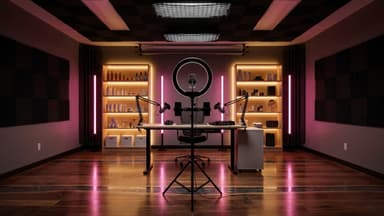
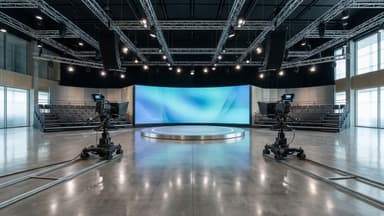
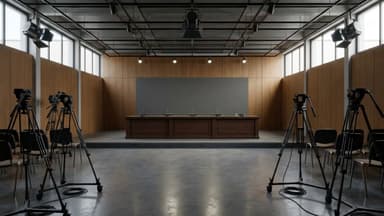
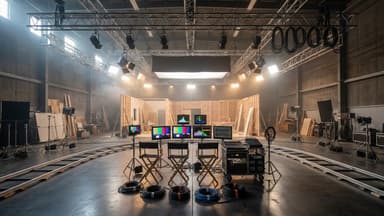
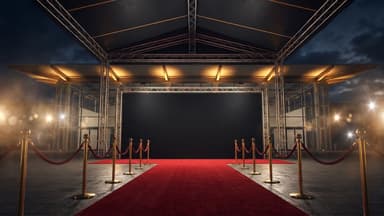
Film sets in the library

Apply Color Grading Rules
Standard AI output is often overly saturated. Use color grading terms to correct this. Describe the mood using color palettes like 'teal and orange,' 'desaturated,' or 'moody.' This pulls the viewer into the scene and makes the colors look like they were captured by a real camera.
- Use 'teal and orange' for high-contrast, cinematic drama.
- Apply 'desaturated' for a realistic, documentary style.
- Specify 'muted colors' to reduce artificial vibrancy.
Refine Subject Movement
AI actors often move stiffly. Fix this by describing the physics of movement. Use terms like 'organic movement,' 'subtle breathing,' or 'micro-expressions.' These details make the subject feel alive rather than a video clip of a mannequin.
- Add 'organic movement' to prevent robotic stiffness.
- Use 'micro-expressions' to show emotional depth.
- Describe 'natural blinking' to avoid the dead stare.